Looking for 3d modeling practice projects that won’t overwhelm you? Start with a single donut: it covers modelling, texturing, lighting and rendering in one free project, and you can repeat it with variations.
This page is part of the wider guide to 3d modeling basics, and it turns one well-known beginner tutorial into a set of practice goals.
| Item | Value |
|---|---|
| Cost of the Blender 4.0 donut series | 100% free |
| Topic areas listed for the Blender 4.0 series | 9 topic areas |
| Lessons in a community follow-along of the series | 14 lessons |
| Start of the “Donut variation challenge” in the full Blender 4.0 course | 4:53:45 |
| Author of the series | Andrew Price (Blender Guru) |
Figures come from the Blender Guru 4.0 tutorial page and a community GitHub repository. Pages get updated, so check the source before you rely on them.
Why one small project beats a long list of exercises
A single object that goes from an empty scene to a finished render shows you how the stages connect. You see how a shape becomes a surface, then a material, then a lit image.
The Blender donut is used here because the series is free and touches the whole pipeline. If you want the background first, read the explainer on what is 3d modeling.
What the donut teaches, stage by stage
Each part of the series is a small practice project of its own. The descriptions below come from the Blender Guru pages for the 4.0 and 3.0 versions.
- Basic modelling: adding and changing object parameters, altering the shape of a mesh, proportional editing and the subdivision modifier.
- Icing: creating the icing by adding thickness, using proportional editing and extruding.
- Sculpting: using sculpt mode, in particular the inflate, grab, mask and mesh filter brushes.
- Shading: PBR shading and a realistic textured marble countertop built from image textures.
- Geometry nodes: scattering points that are then instanced as round sprinkles.
- Lighting: a basic three-point lighting setup, covered in the 3.0 series.
The series then goes on to compositing, animation and rendering. You can treat every item above as a separate evening of work rather than one huge task.
Which version of the tutorial should you follow?
Match the tutorial to the Blender version you have installed, because menus and tools shift between releases. The Blender Guru site lists three donut tutorials.
- Blender 5.0: the newest post in the source pack announces a new donut tutorial for Blender 5.0, with links to a shortcut cheat sheet and downloadable textures.
- Blender 4.0: a free series that lists nine areas, from user interface and modelling to compositing, animation and rendering. A complete course is also offered as a single video for people who prefer that over the multipart series.
- Blender 3.0: a series of 16 parts, ending with a finale. Its own page points visitors to the newer 4.0 tutorial.
A community repository follows the 4.0 series across 14 lessons and keeps the file for each lesson, which is useful if you want to compare your result with a worked example.
How to turn the donut into repeatable practice projects
Following a video once is only the start. These steps turn it into practice that sticks.
- Save one file per lesson. The community repository names its files Donut_{X}.blend, where {X} is the lesson number, so you can look back at each stage.
- Run the pre-render checklist. The 4.0 course ends with checks for face orientation, unwanted objects and intersections, composition and lighting, and exposure and colour.
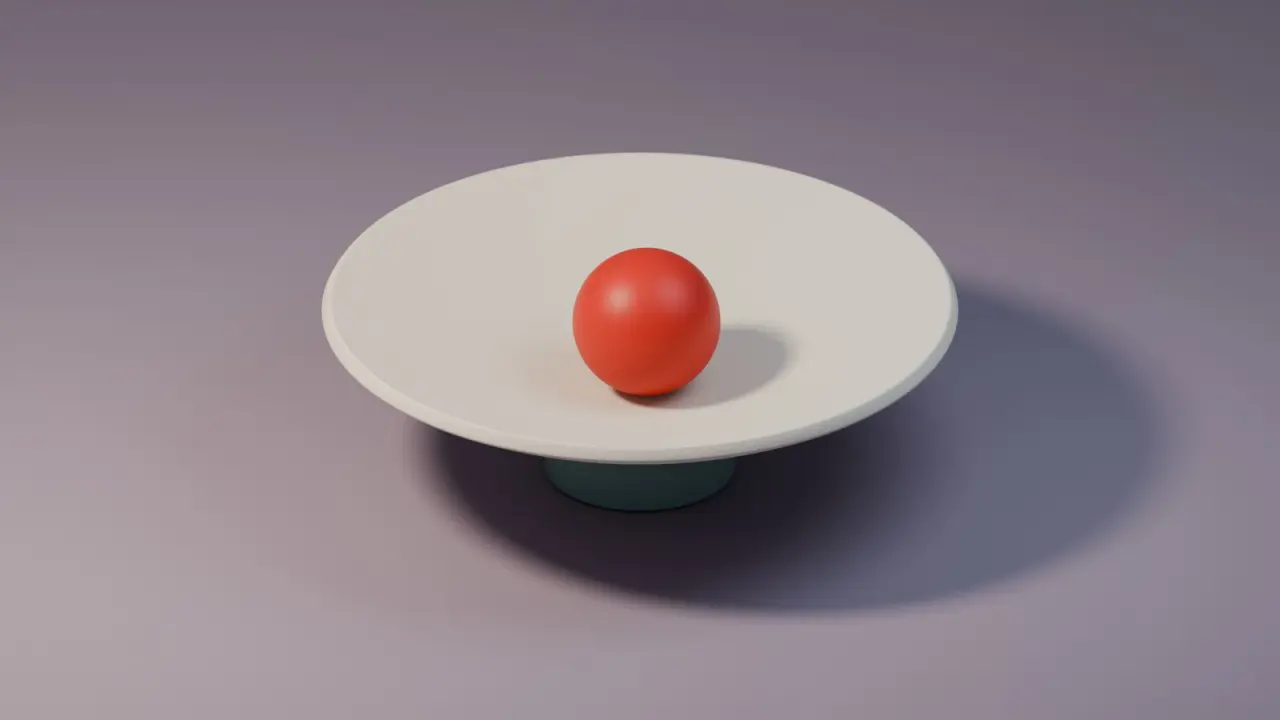
- Model the plate from a reference image. The 4.0 course includes a chapter on image reference and modelling the plate, which is a good second object to repeat without the video.
- Take the variation challenge. The course closes with a “Donut variation challenge”, so change the icing, the sprinkles or the shape and rebuild it from memory.
The shading stage also includes UV unwrapping and texture painting. The guide to uv mapping explained is a good companion when that part feels abstract.
If you want to compare render settings, the 3.0 series has a part on rendering with Eevee and Cycles. Try the same scene in both and note what changes in speed and look.
Frequently asked questions
Is the donut project really free?
Show answer
According to the Blender Guru 4.0 tutorial page, the series is 100% free. Check the page for the latest details before you start.
Do I need to finish every part in one go?
Show answer
No. The series is split into parts, and the community repository saves a file per lesson, so you can stop after any stage and pick up the next day.
Which part covers texturing?
Show answer
In the 4.0 series, the shading part covers PBR shading and a marble countertop, with chapters on texture painting and UV unwrapping.
What should I do after the donut?
Show answer
Rebuild it with changes, using the variation challenge as a prompt. You can also model a new object, such as the plate, from a reference image.