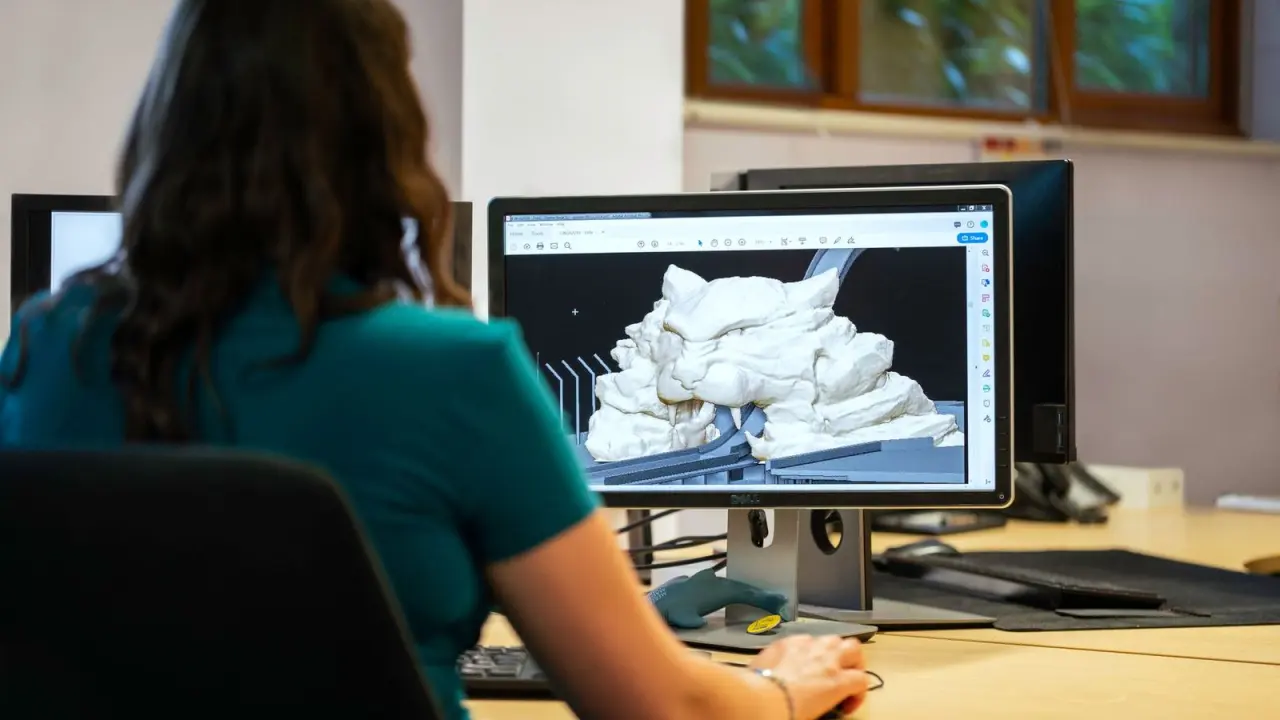
Wondering what is 3d modeling before you sign up for training? It is building a shape on a computer from points, curves and surfaces, then editing, extruding and viewing it from any angle.
This page belongs to the wider guide to 3d modeling basics, which sets out the fundamentals in order.
| Item | Value |
|---|---|
| Curve types in Blender | Two: Bezier and NURBS |
| Key things a 3D scene needs | At least three: models, materials and lights |
| Mesh structures | Vertices, edges and faces |
| Font formats usable for 3D text | Postscript Type 1, True Type and Open Type |
| Text output | Flat 2D shape or 3D shape with added thickness |
These figures come from the Blender modeling appendix of an online computer graphics book and the modelling part of the Blender manual. Software changes over time, so check the sources before you rely on them.
What 3D modeling actually is
3D modeling is the work of shaping an object inside software so you can look at it from every side. Instead of a flat drawing, you edit points, lines and surfaces until the form looks right.
The examples on this page come from Blender documentation. Blender is an open-source 3D content creation suite maintained by the Blender Foundation, and the same guide says it is free to download and available for Windows, Linux and MacOS.
Menu names differ between programs, so focus on the ideas rather than the exact buttons.
How does a 3D model get built?
Most models follow the same workflow, whatever the software. The steps below follow the Blender documentation.
- Pick a starting shape. Blender has a wide variety of basic shapes and tools for making more complex objects.
- Edit the points. In Edit Mode you see a curve’s control points and can select and drag them, for example with the G key.
- Add depth. Raising the Extrude value extends a flat curve into a 3D object, perpendicular to the plane it lies in.
- Refine the surface. The advanced modelling chapter of the Blender manual’s contents list names tools such as Catmull-Clark subdivision surfaces, bevelling tools and a proportional editing tool.
The extrude step is the easiest way to see the jump from 2D to 3D: the outline you drew stays the same but gains thickness.
Meshes, curves and text: the main building blocks
Meshes
A mesh is built from vertices, edges and faces, the structures listed in the manual’s chapter on basic mesh modelling. Vertices are points, edges join them and faces fill the gaps between edges.
Curves
Blender has two types of curves: Bezier and NURBS. A Bezier curve is shaped with control points and handles, while a NURBS curve is determined entirely by its control points.
NURBS curves are known for making nice smooth shapes, which makes them a natural fit for flowing forms. A closed 2D curve bounds a region, and that region is shown as a flat surface when you render the scene.
Text
Even text can become a model. According to the same appendix, Blender can render it as a flat 2D shape or as a 3D shape with added thickness, and it works with these font formats:
- Postscript Type 1
- True Type
- Open Type
For a wider comparison of approaches, read about the types of 3d modeling.
From shape to finished scene
A shape alone is not yet a picture. The manual’s modelling part says the creation of a 3D scene needs at least three key things:
- Models
- Materials
- Lights
Some objects exist only as helpers. A curve used to bend text along its path will not be visible in a rendered image, as the appendix explains.
The manual’s title page says it was last modified in June 2005. Treat it as a source of ideas and check current documentation for exact menu names.
Trying it yourself
A short text exercise shows the whole idea in a few minutes. The appendix describes this path:
- Add a text object from the Add menu.
- Press the TAB key to enter Edit Mode and type your own word in place of the default text.
- Extrude and bevel the text to get a nice 3D appearance.
Once that feels comfortable, move on to these 3d modeling practice projects to build confidence step by step.
Frequently asked questions
Is 3D modeling the same as animation?
Show answer
No. In the Blender manual, modelling comes first, and a separate part is where you go to learn all about Blender’s animation capabilities.
Do I need to pay for software to start?
Show answer
Not for Blender. A guide to Blender NURBS modeling describes it as free to download.
What does extruding mean?
Show answer
Extruding pushes a flat shape into the third dimension. In Blender, increasing the Extrude value extends the curve into a 3D object, perpendicular to the plane in which it lies, as the appendix describes.
What is the difference between Bezier and NURBS curves?
Show answer
A Bezier curve has control points with adjustable handles. A NURBS curve is determined entirely by control points and is known for making nice smooth shapes, according to the same appendix.