If you’re asking what is topology in 3D modeling, it’s how a mesh’s vertices, edges and faces are arranged and connected. Get it right and your model bends, subdivides and renders cleanly.
This page is one part of the wider topic of 3d modeling basics, so it stays focused on mesh structure and edge flow.
| Item | Value |
|---|---|
| Quad face | 4 sides |
| Triangle face | 3 sides |
| N-gon face | 5 or more sides |
| Result of subdividing one quad | Four smaller quads |
| Pole vertex | 3 or 5 edges meet, instead of the usual 4 |
| Elements of a polygonal mesh | 3 elements: vertices, edges, faces |
These figures come from Meshy’s topology glossary and Cursa’s explainer, and they can change, so check the sources before you rely on them.
What topology means for a mesh
Every polygonal model is a mesh made of three elements: vertices (points in space), edges (lines connecting them) and faces (flat surfaces enclosed by edges), as Cursa lays out. Topology is the way those elements are laid out and connected across the surface, according to Meshy’s glossary.
It is not about the overall shape but about the structure underneath: how the polygons flow, where edge loops run and how evenly the geometry is distributed, as Meshy puts it.
That is why you can build the same sphere from a neat grid of four-sided faces or from a chaotic patchwork of triangles, and see almost no difference in a flat render, per Cursa. Subdivide, bend or unwrap them and the difference becomes impossible to ignore.
It helps to separate two ideas. Geometry describes where the surface is, while topology describes how those elements are connected and how the faces flow across the surface, according to Meshy.
If any of these words are new to you, the page on 3d modeling terms is a handy companion to keep open.
Quads, triangles and n-gons: which faces to use
Faces come in three common types, and each behaves differently once a surface is subdivided, as Cursa shows.
- Quad: 4 sides. It subdivides predictably and is used for modeling, animation and sculpting base meshes.
- Triangle: 3 sides. It creates a pole and can cause pinching, and it is typical in final game assets and real-time rendering.
- N-gon: 5 or more sides. It is unpredictable when subdivided and often produces artefacts, so it suits flat, hidden or non-deforming surfaces only.
Quads dominate because subdivision algorithms are built around them: one quad becomes four smaller quads and the surface stays smooth and predictable, according to Cursa.
The best-known method is Catmull-Clark subdivision, invented by Edwin Catmull and Jim Clark. Vectree calls it the industry-standard method for subdivision surfaces. By default it melts angles into smooth curves, so hard-surface modelers add tight holding edges or crease weights to keep corners sharp.
None of this makes triangles forbidden. Every mesh is converted to triangles before it reaches the screen, and GPUs ultimately render three-sided faces, according to Meshy. The working rule is to model in quads and ship triangles, because bad quads become bad triangles.
Edge loops, edge flow and poles
An edge loop is a continuous ring of edges that flows around or along a form, and placing loops around joints and features is key to clean deformation, according to Meshy. Edge flow is the direction those loops travel across the surface.
For organic models the flow should follow the anatomy. On a face, loops run concentrically around the eyes and the mouth, and on an arm they wrap the limb like bracelets so the elbow can bend without collapsing, as Cursa explains.
When the flow ignores those contours, you pay for it in animation, where poor edge flow causes pinching and stretching at joints, per Meshy. Fixing that in the rig is far harder than modeling it correctly in the first place.
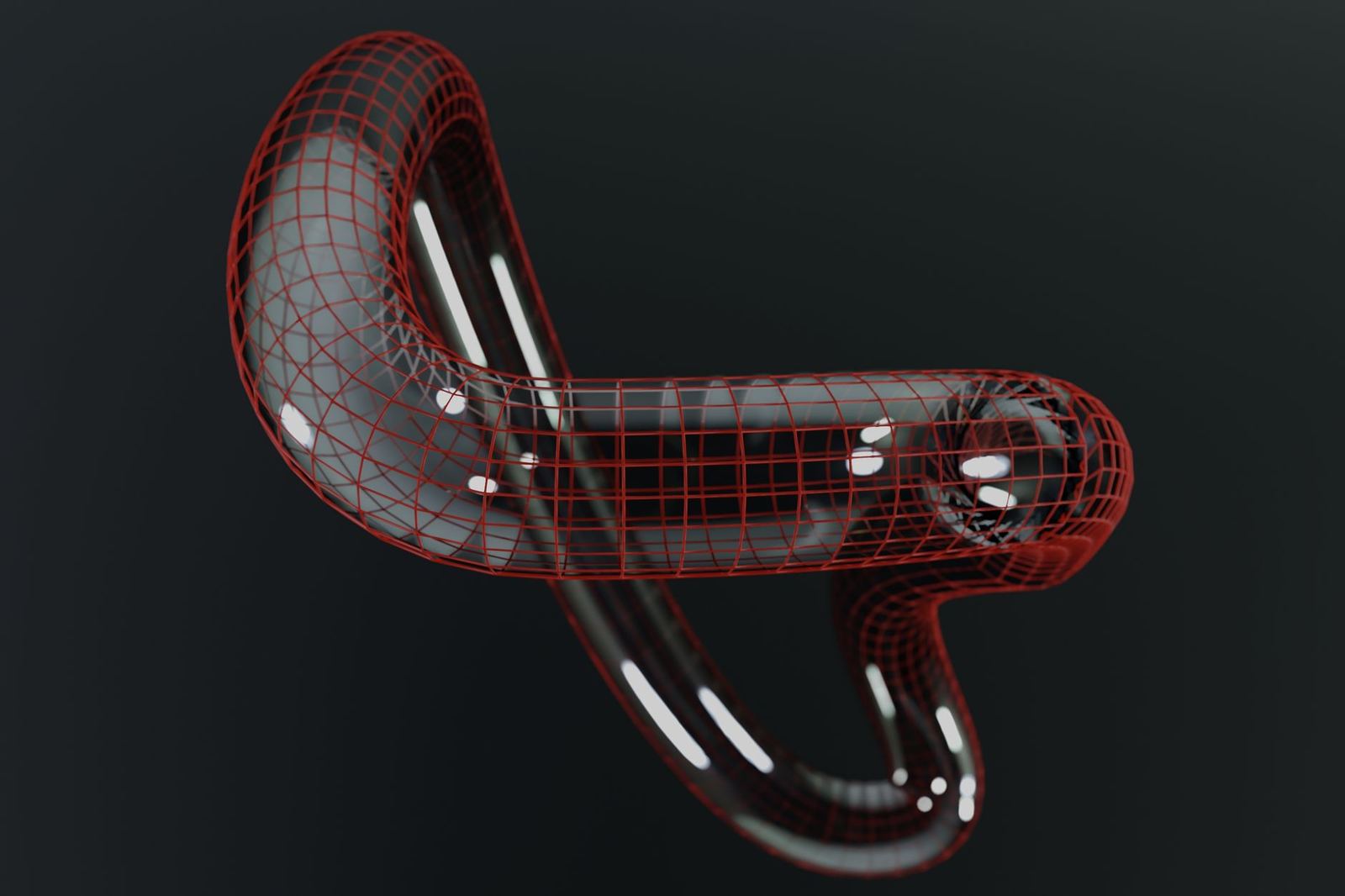
A pole is a vertex where three or five edges meet instead of the usual four, and poles interrupt smooth edge flow, according to Meshy.
Cursa calls a vertex with three edges an N-pole and one with five an E-pole. Poles are not errors: they are unavoidable wherever a surface changes direction or branches, such as where an arm meets a torso (Cursa).
What matters is placement. Skilled modelers hide poles in flat, non-deforming areas, and experienced modelers relocate poles rather than eliminate them, according to Meshy and Cursa.
Topology, UV unwrapping and retopology
Texturing depends on mesh structure too. Clean loops give you natural places to cut seams, and evenly sized quads produce even texture density across the model, according to Cursa. Long, thin triangles and n-gons produce stretched, distorted UVs.
The flattening process itself is covered on the uv mapping explained page.
Sculpting produces dense meshes that capture detail but are unusable for animation or real-time rendering. Retopology rebuilds dense scans and sculpts into clean, animation-ready meshes, as Meshy describes.
Automatic retopology tools handle props and background assets well. For hero characters that will be rigged and animated closely, Cursa describes manual retopology as standard, because a human can decide where the loops need to go.
Habits that keep topology clean
These habits follow the practical guidelines in Cursa’s article.
- Model in quads. Convert to triangles at export rather than baking triangulation into your working file.
- Match density to detail. Add resolution where the surface curves or deforms, and keep flat panels sparse.
- Keep n-gons out of deforming areas. On a flat mechanical panel that never bends an n-gon is harmless, but on a knee it is a future problem.
- Check with smooth shading on. Flat shading hides the artefacts that topology problems create, while smooth shading reveals them immediately.
- Look for hidden errors. Duplicate vertices, flipped normals and edges shared by more than two faces cause bugs that are hard to trace later.
- Study reference wireframes. Seeing how professional character and vehicle models are built teaches edge flow faster than any written rule.
On the last point about errors, Vectree notes that for edge flow and subdivision to work, every edge must be shared by exactly two faces.
Not every model needs the same care. Characters and anything that deforms or will be subdivided need clean topology to animate and hold detail correctly, so it is essential there, according to Meshy.
Frequently asked questions
What is topology in 3D modeling?
Show answer
Topology is the way a model’s vertices, edges and faces are laid out and connected across its surface. It describes the structure and flow of the mesh rather than its overall shape, as the Meshy glossary explains.
What is the difference between topology and geometry?
Show answer
Geometry describes where the surface is, meaning the positions of vertices, edges and faces in space. Topology describes how those elements are connected, so two models can share a shape yet deform very differently (Meshy).
Are triangles always bad?
Show answer
No. Game engines and renderers work exclusively in triangles, so every mesh ends up triangulated. The aim is to control where that conversion happens and to avoid triangles in areas that will deform, as Cursa advises.
Can I remove poles completely?
Show answer
Usually not, and you do not need to. Poles are unavoidable where a surface branches or changes direction, so the skill is relocating them to flat or non-deforming areas (Cursa).
What makes topology good?
Show answer
Good topology is built mostly from evenly sized quads, with edge loops that follow the contours of the model and tighten around areas that flex, such as joints and facial features, according to Meshy.