Choosing between FDM vs resin 3D printing comes down to what you want to make. FDM suits larger, tougher, cheaper parts, while resin suits fine detail and smooth surfaces. You trade cost and simplicity against finish.
If you are only starting out, our guide to 3d printing for beginners puts both technologies in context.
| Item | Value |
|---|---|
| Entry-level FDM printer (home use) | About $200 |
| Professional FDM printer | Between $2,000 and $8,000 |
| Industrial FDM machine | Over $15,000 |
| Entry-level resin printer | $200-$1000 |
| Standard resin printer | $2500-$10000 |
These price ranges come from Snapmaker’s FDM vs SLA guide, and the qualitative comparisons in this page draw on QIDI’s comparison guide. Prices change often, so check the sources before you rely on the figures.
How the two technologies work
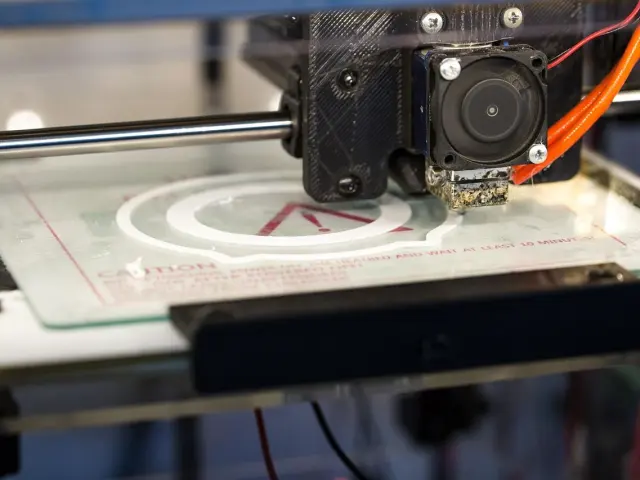
In FDM (fused deposition modeling), a heated nozzle melts thermoplastic filament and deposits it layer by layer. Resin printing works the other way round: light cures liquid resin into solid parts, as QIDI’s guide explains.
People often say “SLA” when they mean any resin printer. Strictly speaking, SLA, MSLA/LCD and DLP are different light-based resin technologies, but they share one principle: liquid resin is selectively cured by light to form a solid object.
If you want the full process behind both methods, read about how does 3d printing work.
FDM vs resin: which gives better detail and finish?
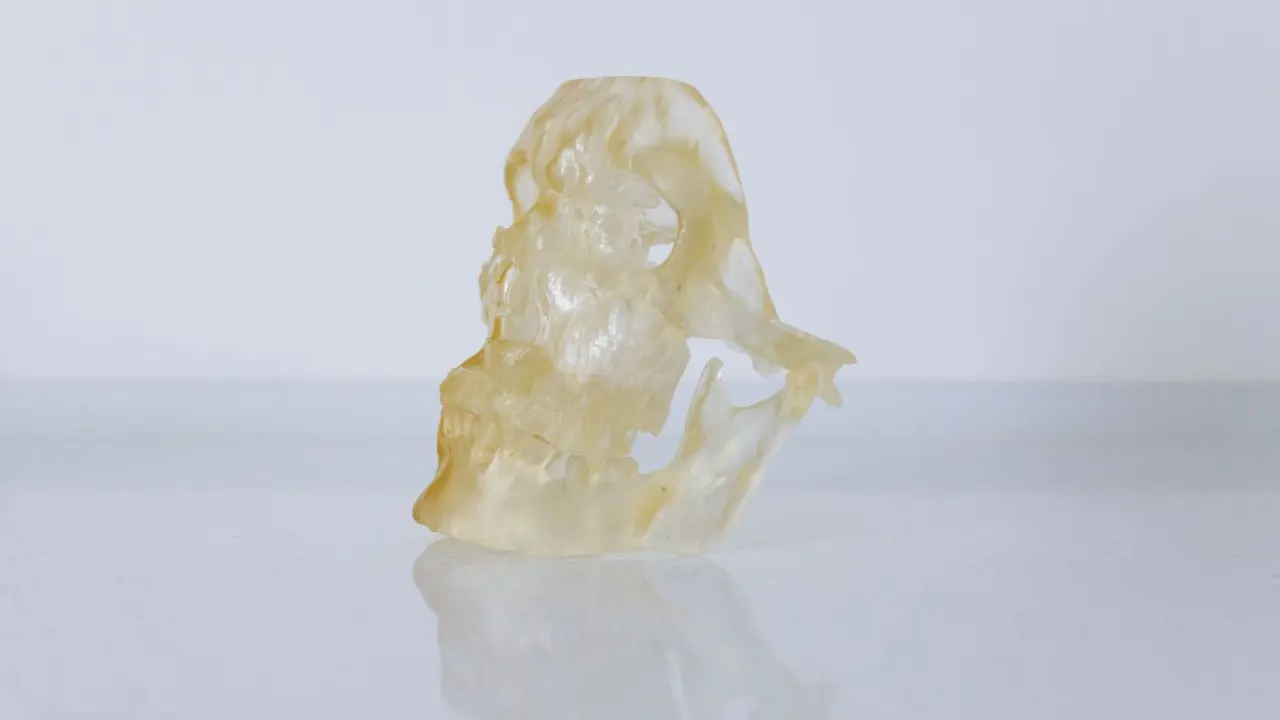
Resin wins on surface quality. According to QIDI, SLA usually produces better fine detail and smoother surfaces than FDM.
FDM prints often show layer lines, because the parts are built from visible layers of extruded plastic. A well-tuned printer still gives clean, accurate parts, and sanding, filling, priming or painting can improve the look.
Resin is the usual pick for these jobs:
- Miniatures and figurines
- Dental models
- Jewelry patterns
- Presentation models with small, intricate features
Strength, size and speed
For functional parts, FDM is usually the practical choice. QIDI notes that FDM is often better for larger parts and for load-bearing use, depending on material and print orientation. Resin can be strong with engineering resins, but standard resins may be more brittle.
FDM also supports a broad range of materials, including PLA, PETG, ABS, ASA, nylon, TPU, polycarbonate and carbon-fiber-filled filaments. The exact list depends on your printer’s hotend temperature, bed temperature and enclosure.
On speed, Snapmaker describes FDM as faster for larger prints and SLA as slower, especially for detailed prints.
Cost and workload after printing
Money is only part of the picture. Snapmaker’s 14 Nov 2024 guide puts entry-level FDM machines at about $200 for home use, and the least expensive resin printers at $200-$1000. The gap opens up higher: professional FDM printers run between $2,000 and $8,000, while a standard resin printer is listed at $2500-$10000.
The bigger difference for most people is post-processing. FDM mostly needs support removal and optional finishing. Resin parts often need to be washed to remove uncured resin, then post-cured under UV light.
Resin also asks more of your workspace. QIDI says users need to handle liquid resin carefully, wear gloves, maintain good ventilation and dispose of resin waste responsibly.
Which should you choose?
Start from the part, not the machine. Snapmaker suggests FDM if you are a beginner, have a tight budget, or need quick prototypes and functional parts. It suggests SLA if you focus on fine details, artistic designs, or professional uses such as dental or jewelry models.
- List what you will print most: tools, brackets and large prototypes point to FDM; miniatures and detailed models point to resin.
- Decide whether you have space and ventilation for liquid resin, gloves and washing.
- Set a budget that includes materials and cleanup supplies, not only the printer.
Whichever you pick, you will need a model file, and stl vs obj vs 3mf explains the common formats. As QIDI puts it, FDM is often the better choice when size, durability and practicality matter more, and SLA is the better choice when fine surface detail is the priority.
Frequently asked questions
Is resin printing better than FDM?
Show answer
Neither is better overall. Resin gives finer detail and smoother surfaces, while FDM is usually better for larger, functional parts and is simpler to run.
Is FDM easier for beginners?
Show answer
Usually yes. QIDI describes FDM as usually easier for everyday home use, while resin involves more steps and cleanup.
Do resin prints need extra steps after printing?
Show answer
Yes. Parts often need washing to remove uncured resin and then post-curing under UV light, and you should wear gloves and keep the room ventilated.
Can FDM prints look smooth?
Show answer
They can improve a lot. Layer lines are common, but sanding, filling, priming, coating or painting can give good visual results.